Armchair PuzzlesCalm, large-print word searches
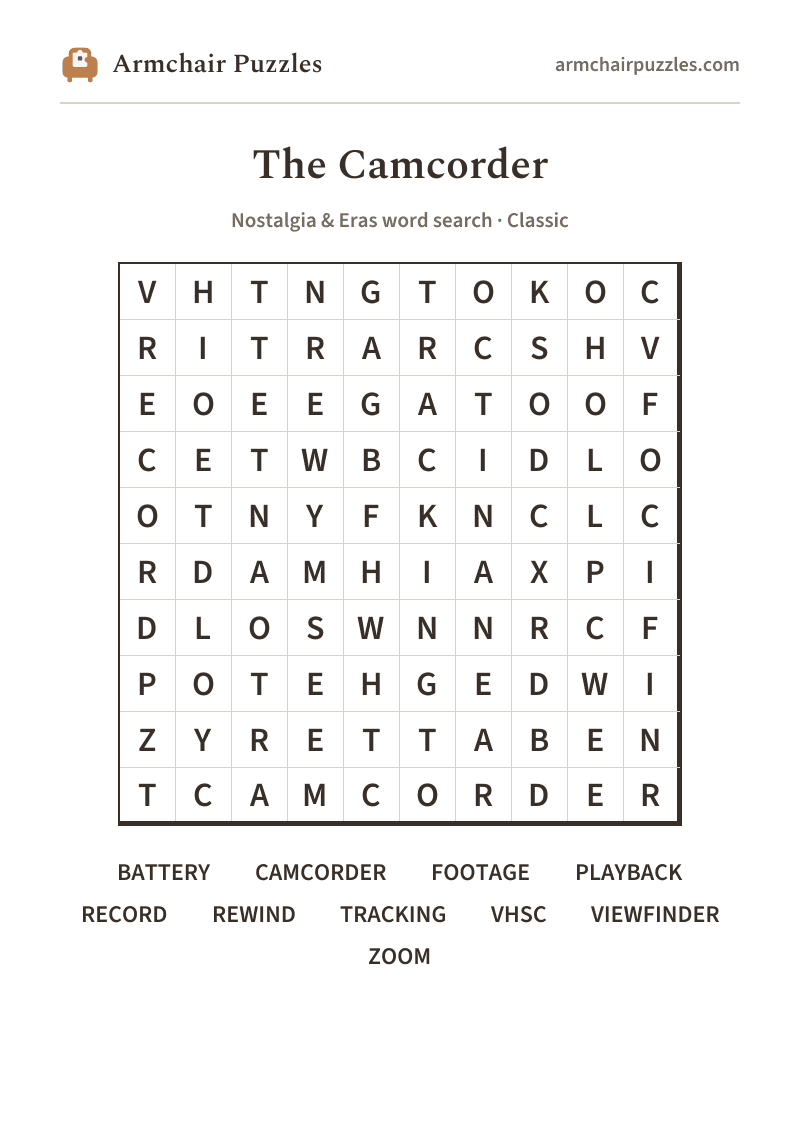
V
H
T
N
G
T
O
K
O
C
R
I
T
R
A
R
C
S
H
V
E
O
E
E
G
A
T
O
O
F
C
E
T
W
B
C
I
D
L
O
O
T
N
Y
F
K
N
C
L
C
R
D
A
M
H
I
A
X
P
I
D
L
O
S
W
N
N
R
C
F
P
O
T
E
H
G
E
D
W
I
Z
Y
R
E
T
T
A
B
E
N
T
C
A
M
C
O
R
D
E
R
Use the arrow keys to move between letters. Press Enter or Space on the first letter of a word, then again on the last letter. Press Escape to cancel.
A few of the words
- VIEWFINDER
- That small eyepiece gave the camera operator their own private rectangle of the world, squint in, and suddenly you were a director.Find this word in the grid to read its note.
- REWIND
- "Be kind, rewind" wasn't just a video-store motto, at home it meant waiting through that soft, whirring whine before you could watch the birthday party again.Find this word in the grid to read its note.
- TRACKING
- When the picture went wavy and striped, someone always reached for the tracking dial, a little nudge, and the image snapped back into focus.Find this word in the grid to read its note.
- VHSC
- The VHS-C format used a compact tape cartridge, a smaller cousin of the full-size VHS, that slipped into an adapter so the whole family could watch the footage on the living-room TV.Find this word in the grid to read its note.
armchairpuzzles.com · free large-print word searches
camcorder word search
The Camcorder: a free online word search
Camcorder word search, no account needed and nothing to install, for the blinking red light and every holiday that lived on tape.
About The Camcorder
The 1990s family camcorder was a whole event. Someone hoisted it onto their shoulder, squinted through the viewfinder, and narrated everything, the birthday cake, the dog, the neighbor waving from a lawn chair. Back home the tape slid into the VCR, and there it all was: slightly wobbly, slightly overexposed, and absolutely priceless.
How to play
- 1Find a word.Tap its first letter, then tap along to its last. The trail fills in and finishes itself when it spells a word. Or press the first letter and drag.
- 2Words run in straight lines.Across and down, and on the harder difficulties diagonally and backwards.
- 3It marks itself.Each word you find takes on its own soft color on the grid and is crossed off the list.
- 4Choose a difficulty.Relaxed, Classic or Challenging set those directions and how much the word list helps, never the grid size. Tap the A buttons at the top to enlarge the letters, or pinch the grid.
Prefer pen and paper?
A clean, large-print sheet. Free, and no sign-up.