Use the arrow keys to move between letters. Press Enter or Space on the first letter of a word, then again on the last letter. Press Escape to cancel.
A few of the words
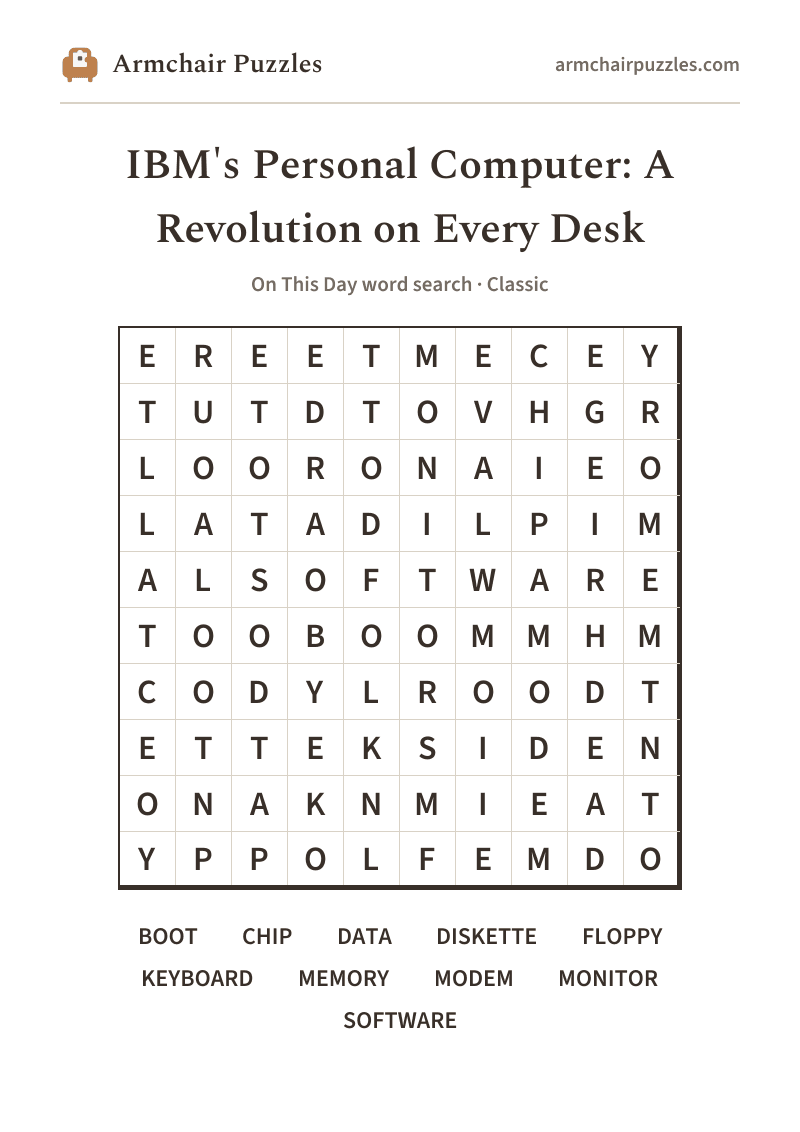
- DISKETTE
- The 5150 used 5¼-inch floppy diskettes to load programs and store data, a thin, flexible square that felt almost too light to hold so much possibility.Find this word in the grid to read its note.
- KEYBOARD
- The 5150's sturdy, tactile keyboard was modeled on the Selectric typewriter tradition, a deliberate nod to the office workers it was designed to win over.Find this word in the grid to read its note.
- CHIP
- The 5150 was powered by an Intel 8088 processor chip running at 4.77 MHz, modest by any later standard, yet more than enough to change the world.Find this word in the grid to read its note.
- BOOT
- "Booting" a computer, loading its operating system from a disk so it's ready to use, became a daily ritual for millions of people after the PC era began on August 12, 1981.Find this word in the grid to read its note.
armchairpuzzles.com · free large-print word searches
IBM personal computer word search
IBM's Personal Computer: A Revolution on Every Desk: a free online word search
On August 12, 1981, IBM changed what a desk was for. This word search is free, no sign-up, no catch.
About IBM's Personal Computer: A Revolution on Every Desk
On August 12, 1981, IBM unveiled the 5150 Personal Computer, placing serious computing power into the hands of everyday people for the first time at that scale. The machine shipped with a keyboard, a monitor you could set right on a desk, a floppy diskette drive, and an operating system licensed from a small company called Microsoft, a combination that would reshape offices, classrooms, and living rooms within a single decade. The word "PC" entered the everyday vocabulary almost overnight, carrying with it the hum of cooling fans, the clatter of keys, and the quiet thrill of a blinking cursor waiting for whatever you wanted to do next.
How to play
- 1Find a word.Tap its first letter, then tap along to its last. The trail fills in and finishes itself when it spells a word. Or press the first letter and drag.
- 2Words run in straight lines.Across and down, and on the harder difficulties diagonally and backwards.
- 3It marks itself.Each word you find takes on its own soft color on the grid and is crossed off the list.
- 4Choose a difficulty.Relaxed, Classic or Challenging set those directions and how much the word list helps, never the grid size. Tap the A buttons at the top to enlarge the letters, or pinch the grid.
Prefer pen and paper?
A clean, large-print sheet. Free, and no sign-up.
More to explore:All On This Day word searchesPrintable On This Day word searches