Use the arrow keys to move between letters. Press Enter or Space on the first letter of a word, then again on the last letter. Press Escape to cancel.
A few of the words
- ALUMINUM
- The Etch A Sketch draws by scraping fine aluminum powder from the inside of its glass screen, that shimmery dust is what makes every line visible.Find this word in the grid to read its note.
- KNOBS
- The toy's two white knobs work independently: one moves the stylus horizontally, the other vertically, so diagonal lines take a little patience, and a lot of practice.Find this word in the grid to read its note.
- SHAKE
- A single vigorous shake redistributes the aluminum powder evenly across the screen, wiping the slate perfectly clean, a satisfying reset that never gets old.Find this word in the grid to read its note.
- STYLUS
- The hidden stylus inside an Etch A Sketch never touches ink or paper; it simply displaces powder, leaving a clear groove that shows as a bright silver line against the darker screen.Find this word in the grid to read its note.
armchairpuzzles.com · free large-print word searches
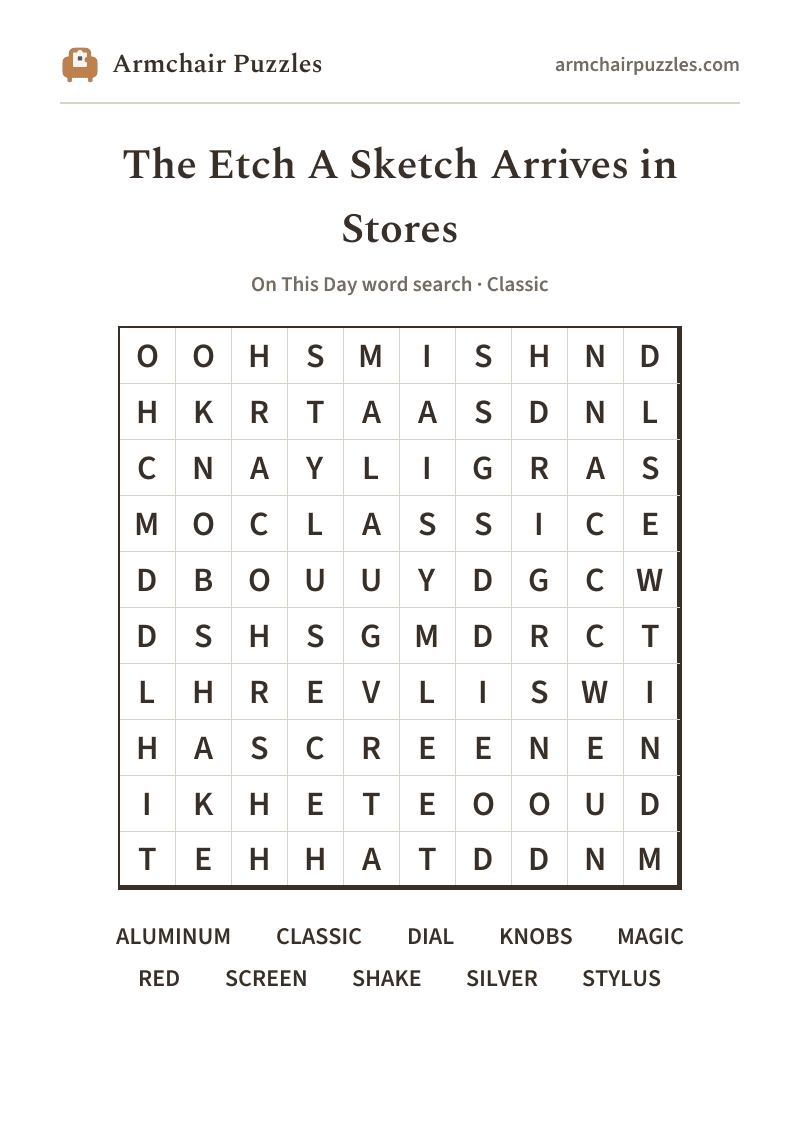
Etch A Sketch word search
The Etch A Sketch Arrives in Stores: a free online word search
Etch A Sketch word search, playable online right now, marking the red toy that first hit store shelves on July 12, 1960.
About The Etch A Sketch Arrives in Stores
On July 12, 1960, the Etch A Sketch went on sale in the United States for the very first time, arriving on toy store shelves in the heat of summer. Inside its bright red frame, two knobs move a hidden stylus through a thin layer of aluminum powder, tracing crisp silver lines across the glass screen, no ink, no paper, no mess. A shake of the wrist erases everything and hands it back to you, clean and ready, as if the whole drawing never happened at all.
How to play
- 1Find a word.Tap its first letter, then tap along to its last. The trail fills in and finishes itself when it spells a word. Or press the first letter and drag.
- 2Words run in straight lines.Across and down, and on the harder difficulties diagonally and backwards.
- 3It marks itself.Each word you find takes on its own soft color on the grid and is crossed off the list.
- 4Choose a difficulty.Relaxed, Classic or Challenging set those directions and how much the word list helps, never the grid size. Tap the A buttons at the top to enlarge the letters, or pinch the grid.
Prefer pen and paper?
A clean, large-print sheet. Free, and no sign-up.
More to explore:All On This Day word searchesPrintable On This Day word searches